Windows 10/11 (x64)
Installer for 64-bit Windows. You can choose the installation folder.
DraftHarbor is a Scrivener-style writing studio for long-form fiction — a proper binder, corkboard, and world bible, kept on your own device by default. When you do use AI, it only reads what you've already written. It never writes for you.
Choose one parent folder once. DraftHarbor gives every project its own disk folder, autosaves as you write, and keeps local recovery copies. No account is needed until you connect online services.
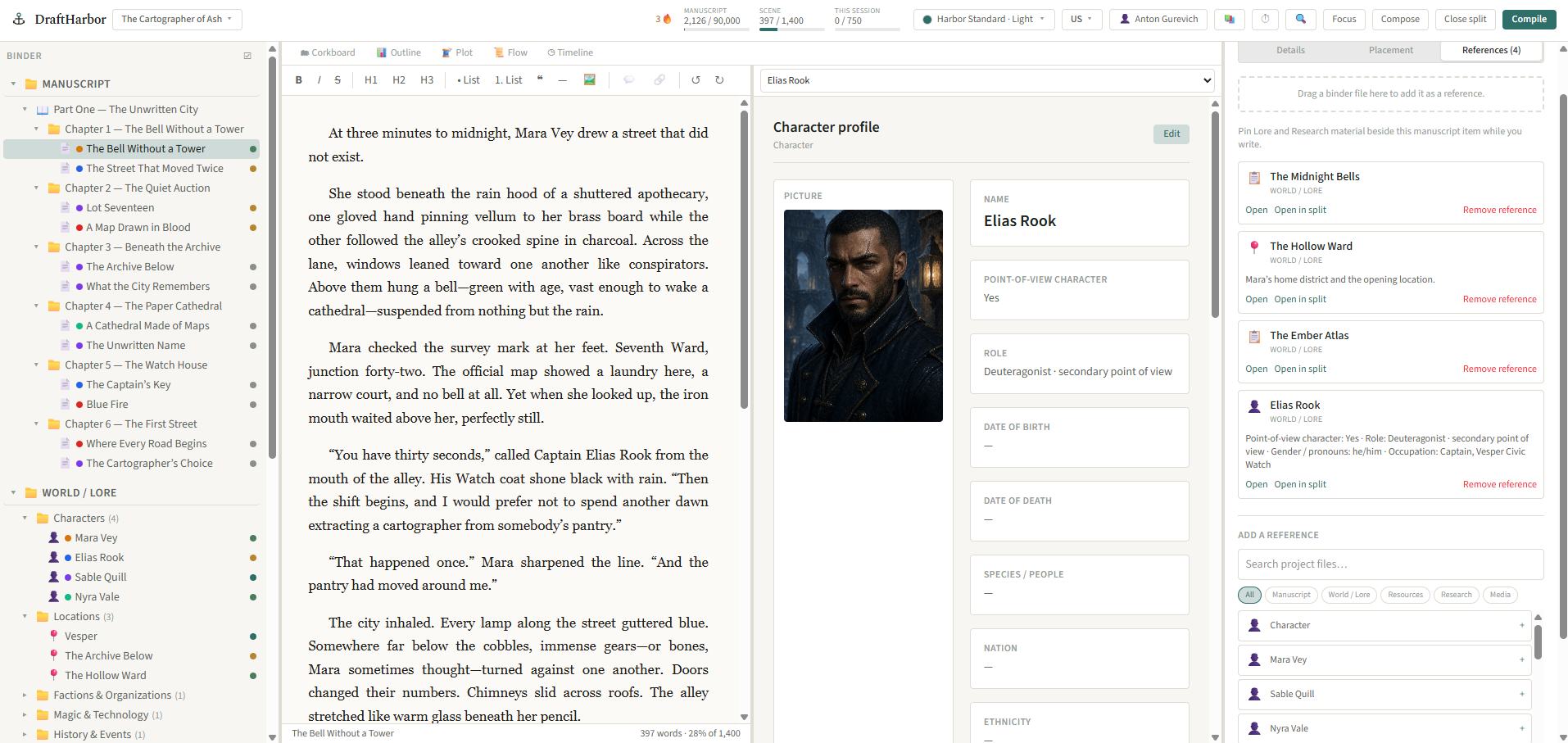
Chapters and scenes are only part of a novel. DraftHarbor gives the rest of it — characters, places, history, and time — a proper home too.
Organize manuscript, world, research, and resources as separate, purpose-built sections. Drag to reorder, drop into folders, switch between Corkboard, Outline, Plot Grid, Flow, and Timeline views without losing your place.
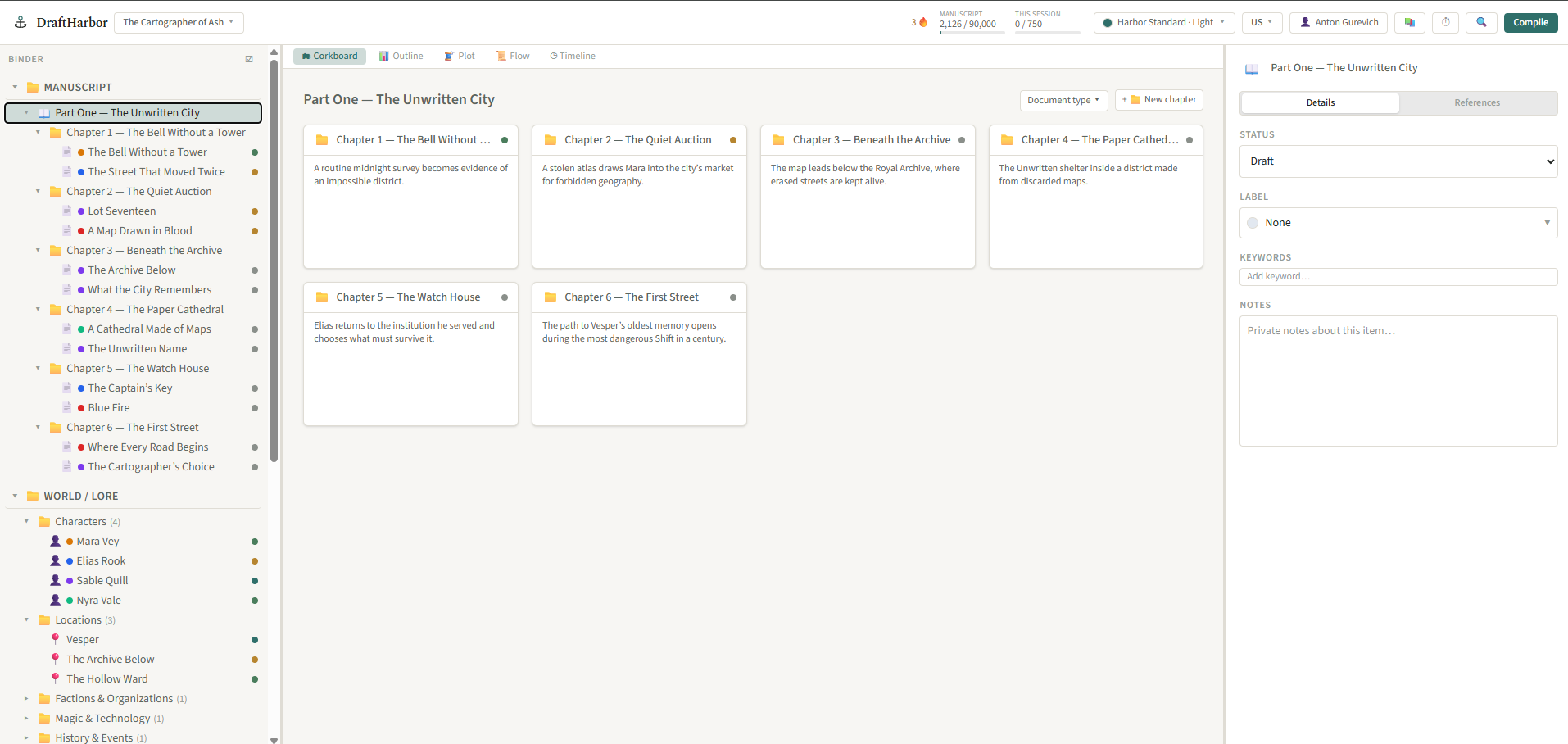
Ask what a character knows, where a detail first appears, or what changed between chapters. Loremaster searches across the manuscript, favours later material where a long book needs prioritising, and gives every answer with the passages it used.
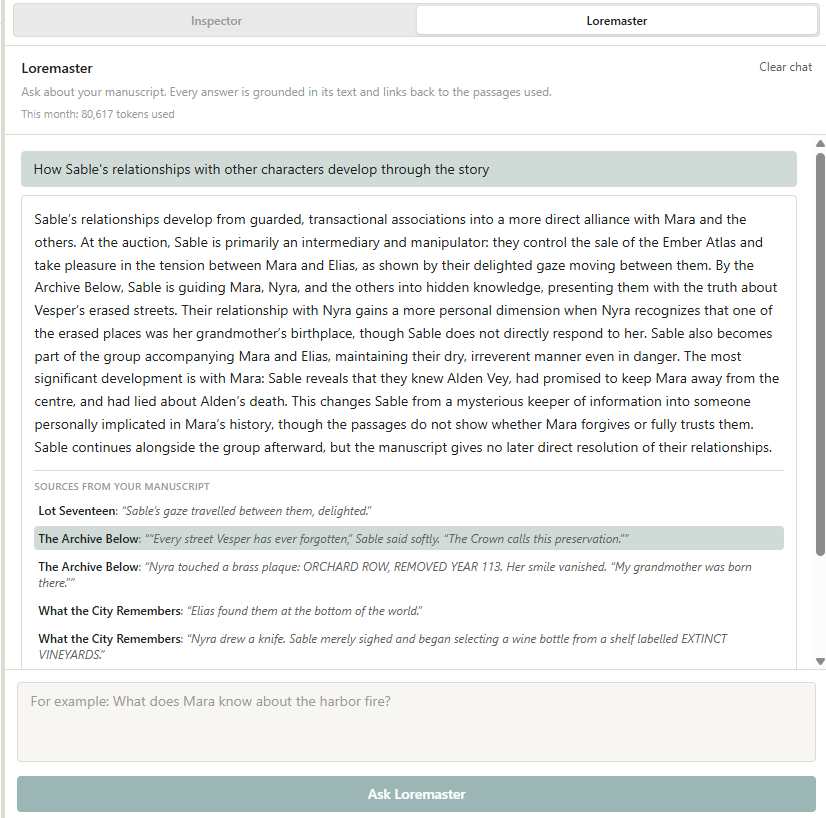
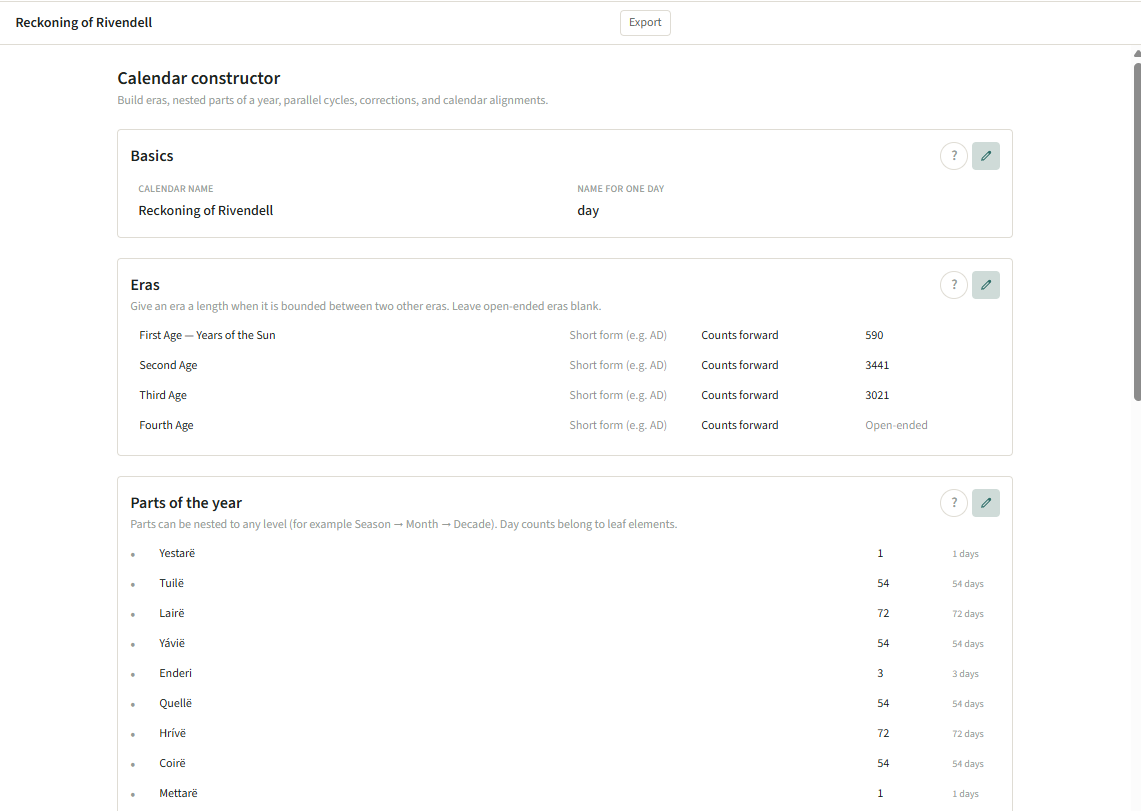
Start with the Lore structure that suits this book, then make it your own: add or remove categories, define fields, and create your own entry types. Build fictional calendars and align your timeline across them.
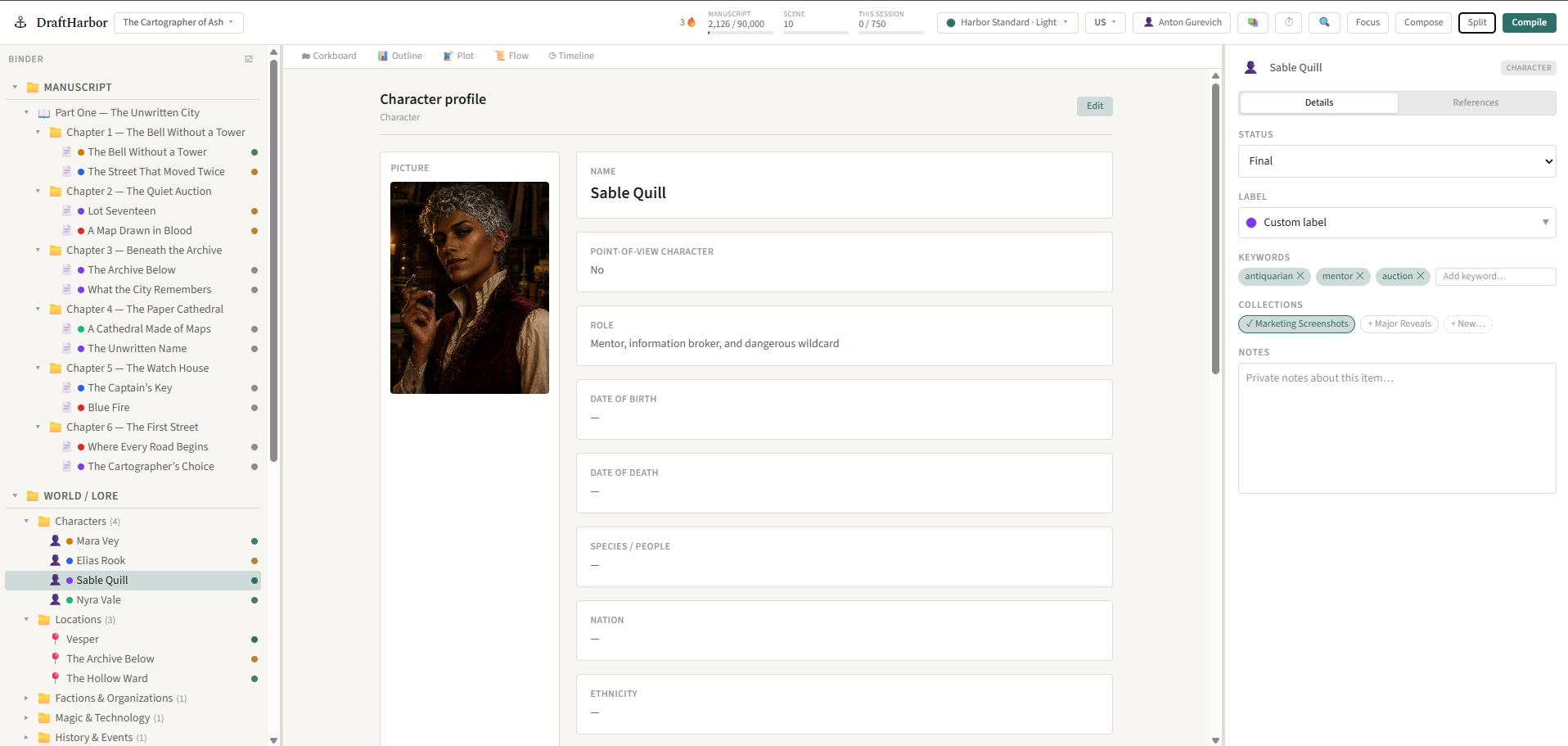
Harbor Guide is a real, read-only example project: open its binder, inspect its world, and see the writing workflow in context before you start your own. It follows the app language, so its structure stays familiar wherever you write.
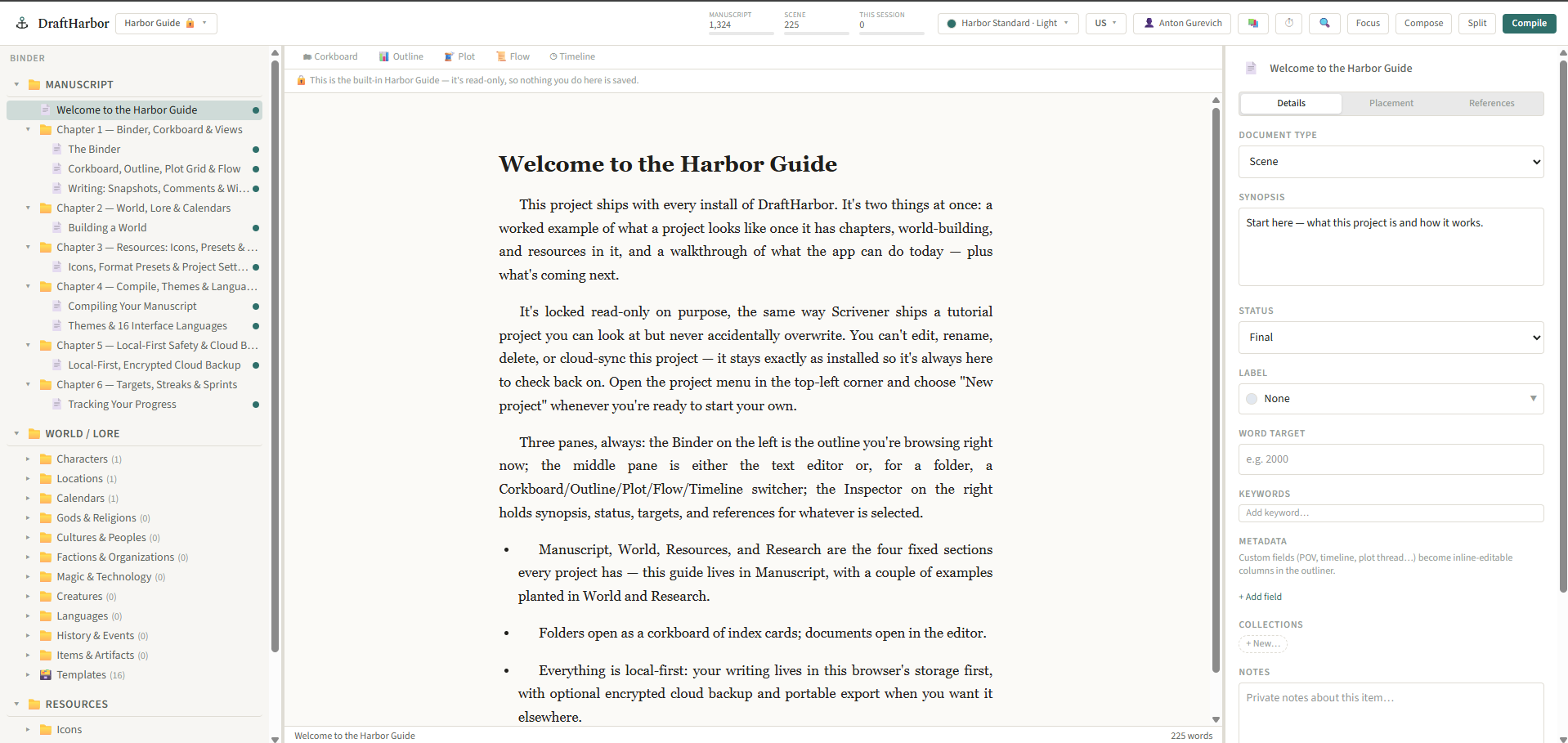
Save named revision milestones before a big rewrite, publish a clean reading edition for beta readers, then compile a print-ready manuscript when it is time to share the work beyond your binder.
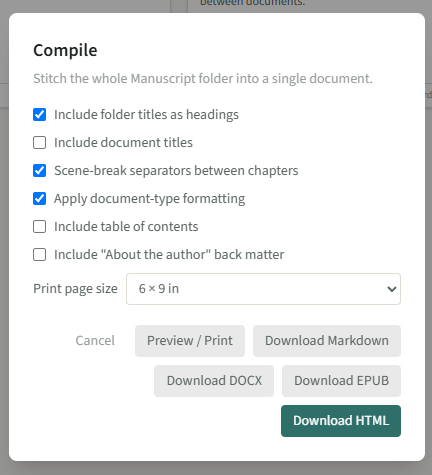
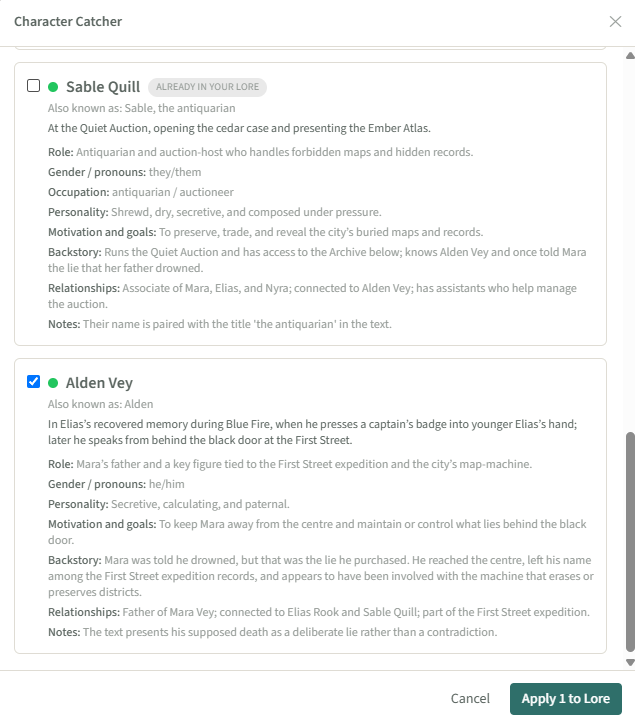
Character Catcher and Lore Catcher scan what you've already written and propose character sheets, world entries, and a red/amber/green consistency check — catching a hair colour that quietly changed three chapters ago. Loremaster lets you ask factual questions about the manuscript and shows the passages it used. Nothing is added until you approve it.
Build calendars with their own eras and eccentricities, then track scenes against them on a real timeline.
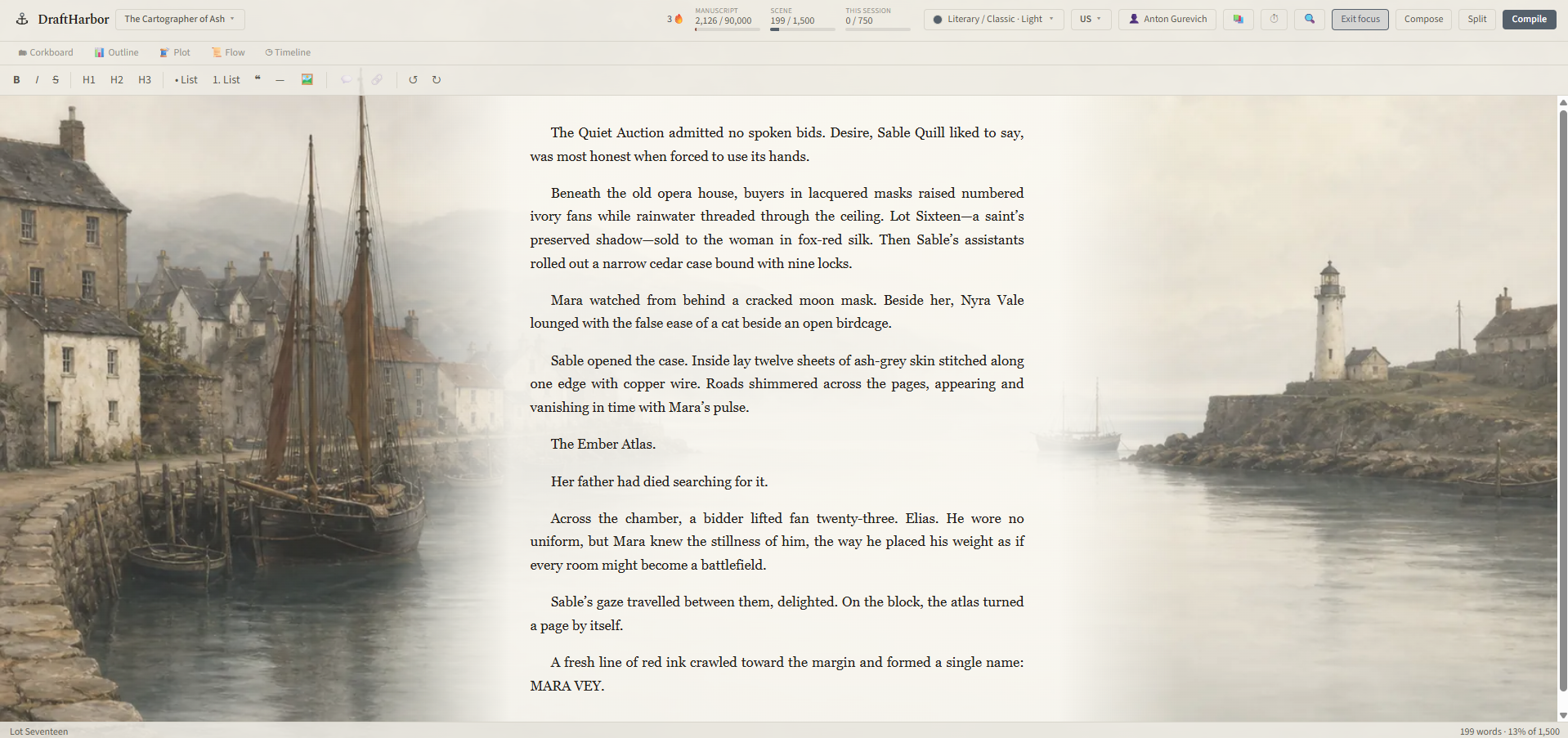
Per-document type formatting, multiple writing-room themes, and a focus mode that fades everything but the page.
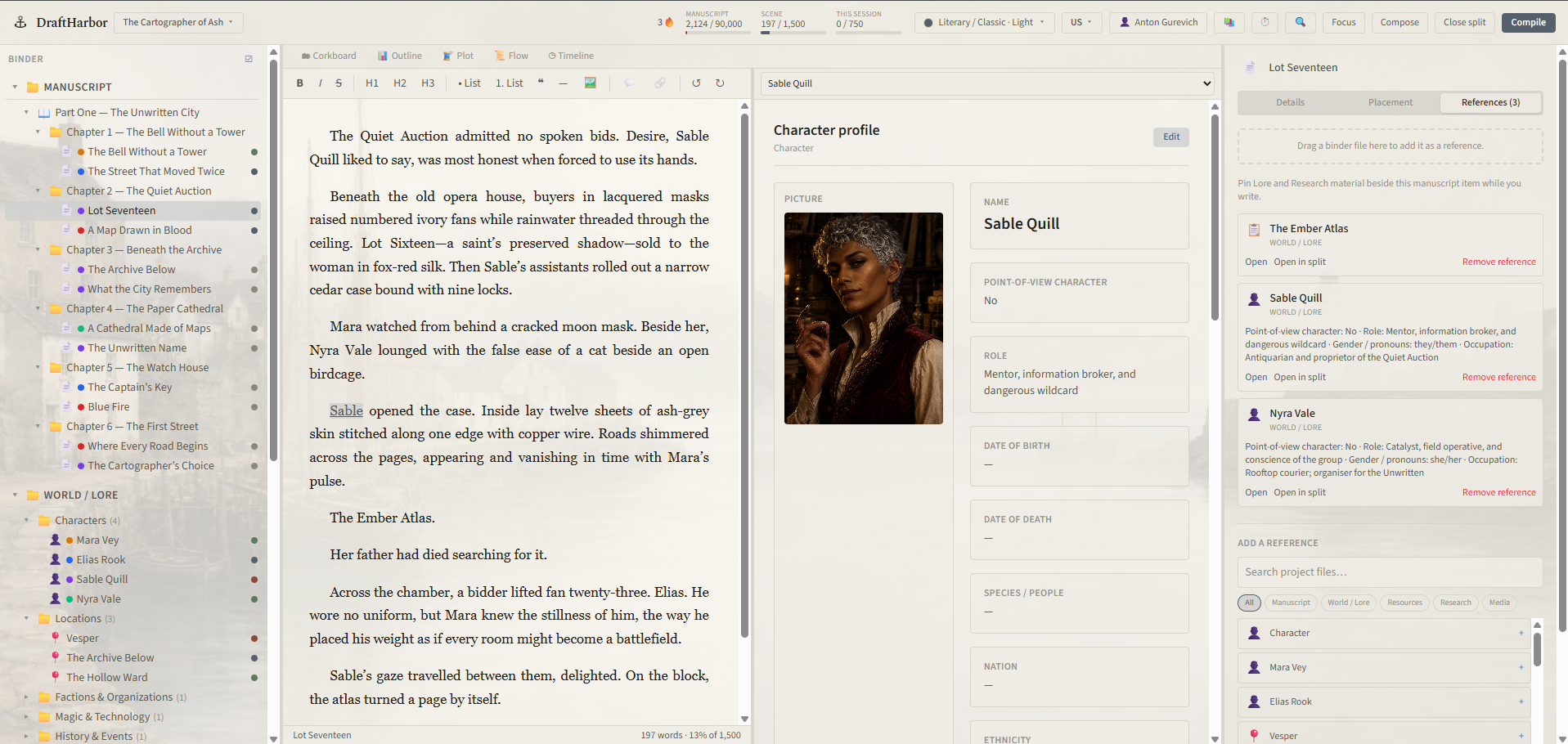
Anchor notes directly in the text. Link any word or phrase — a nickname, a different grammatical form, whatever you actually wrote — to a Lore entry, not just an exact title match.
Choose one parent folder once. Every project gets a dedicated disk folder containing its writing, assets, and automatic local recovery copies. Edits save as you write, online or offline.
Connect an account once and it stays connected until you sign out. Cloud backup remains optional; text and images are encrypted on your device before upload, so we cannot read the backup.
Bring a Scrivener project in directly, or import Word, EPUB, RTF, and Markdown. Compile out to DOCX, EPUB, HTML, or Markdown any time.
Freeze selected manuscript pages into a private edition, unlisted reader link, or public Library edition, with the formatting and images you chose — never your working notes or Lore.
Readers can comment on a selected passage in a frozen edition. Your review inbox keeps the note with the version they read and takes you back to the source manuscript.
Save named revision milestones, then compile HTML in Classic, Paperback, or Modern styling and preview it at your chosen trim size before printing to PDF.
Not a knock on either — just where DraftHarbor sits between them.
| One-time desktop apps | Cloud, AI-first apps | DraftHarbor | |
|---|---|---|---|
| Core writing works offline | Yes | Rarely | Yes |
| Your manuscript leaves your device | No | Usually, to power AI features | Only for encrypted backup, text you deliberately submit to Story Intelligence, or editions you publish to Library |
| Structured world-building & calendars | Basic notes at best | Varies, often an afterthought | Built in, with custom fields |
| What AI does with your book | No AI at all | Often writes or rewrites prose for you | Reads and checks — never writes it for you |
| Encrypted cloud backup | Often manual or external | Usually tied to the working copy | Optional; encrypted on your device before upload |
General patterns we've seen across the market, not a claim about any specific product.
Short, practical walkthroughs of DraftHarbor's binder, world bible, import, export, and revision tools.
Tutorial 1
Create and organise your first novel
Tutorial 2
Import a Scrivener project
Tutorial 3
Back up and recover your writing
Tutorial 4
Build a World / Lore story bible
Tutorial 5
Plan with Binder, corkboard, outliner and plot grid
Tutorial 6
Compile and export to DOCX, PDF and EPUB
Tutorial 7
Import a manuscript from Word or EPUB
Tutorial 8
Revise safely with snapshots and milestones
Tutorial 9
Share a Library edition with beta readers
Tutorial 10
Use Loremaster without AI-written prose
Tutorial 11
Build a custom calendar and story timeline
DraftHarbor 1.2.27 is now available for Windows, macOS, and Linux, or free in your browser. Desktop projects are saved directly to your own disk and continue working offline.
Installer for 64-bit Windows. You can choose the installation folder.
Use the AppImage on most distributions, or install the DEB package on Debian, Ubuntu, Mint, and related systems.
Signed DMG installers for Apple Silicon and Intel Macs.
Prefer not to install an unsigned beta? You can continue using DraftHarbor in your browser.
Desktop download pages link to separately maintained installers. Keep backups of important work while testing and please report anything unexpected.
An open room for people using DraftHarbor — what's working, what isn't, and what should exist next. The person who builds it is in there too.

Free to join, no account with us needed. Please don't paste your manuscript there — it's a public room. For anything private, or anything you need an answer to, use the form below.
Join the groupt.me/draftharbor
DraftHarbor is made by one person. Questions, bug reports and ideas all reach me directly.
Would rather use email? This reaches the same person. support@draftharbor.app